Apple Say
Apple Say is a native macOS app for speech synthesis and timed text. Write, preview, and export Plain Text, LRC, and Enhanced LRC with system voices. Fully local and free.
Free and open source · Requires macOS 14 Sonoma or later
Line-level LRC and word-level Enhanced LRC with automatic rate scaling.
Timestamps stay fixed. If speech cannot fit, Apple Say reports a Timing Error.
System Voice, Siri Natural voices, and your authorized Personal Voice.
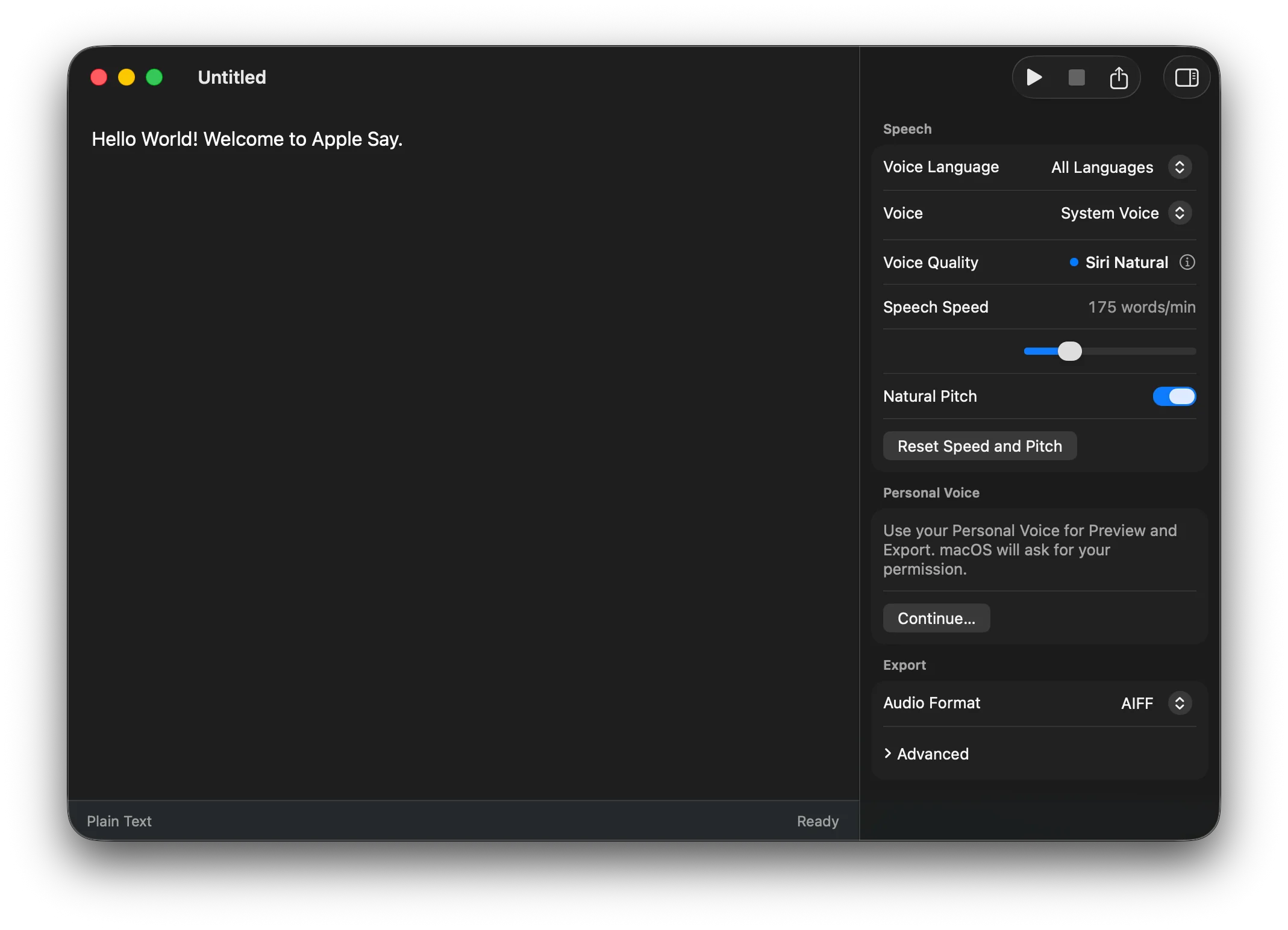
Filter installed voices by language. Adjust speech speed and pitch in Speech Inspector. System Voice keeps your macOS Spoken Content settings, including Siri Natural voices when available.
Type, preview, and export without saving first.
Plain Text, LRC, and Enhanced LRC are detected automatically. No mode switching.
Adjust rate and pitch. Export AAC, AIFF, WAV, or CAF with channel, sample rate, and bitrate controls.
Preview with ⌘ Return, stop with ⌘ ., and export with ⇧ ⌘ E.
Use installed system voices and your authorized Personal Voice.
Speech synthesis runs on your Mac. No network calls or telemetry.
Install with Homebrew or download the DMG and move Apple Say to Applications.
brew install --cask thedavidweng/tap/apple-say
Releases are ad-hoc signed. If Gatekeeper blocks launch, right-click Apple Say.app and choose Open.